Yes — there are real Photoroom alternatives in 2026, but the honest answer starts with a question back: what does your product look like as an input? If the answer is “a photo,” Photoroom itself is close to the best tool for that input, and most “alternatives” you’ll find — Pebblely, Pixelcut, Flair — share its architecture and its ceilings. If the answer is “a 3D model” (or “a design that hasn’t been manufactured yet”), the structural alternative is a different input class entirely: reference-driven generation from your model, which is what Shotshot is built around. This page compares the two honestly — where Photoroom genuinely wins, where the 3D route wins, and the pricing reality of both, with competitor facts sourced and dated below.
What Photoroom is genuinely good at
Start with the respect paragraph, because it’s earned. Photoroom’s background removal is first-tier — one tap, clean edges on most products. Its AI backgrounds and scenes cover the standard e-commerce moods, batch editing handles a catalog’s worth of cutouts, and it works identically on phone and web. The free tier is usable, not decorative. For a seller with a box of photographed products and a phone, it is the correct default, and this comparison won’t pretend otherwise.
The reasons people search for alternatives are just as concrete, and none of them are “Photoroom is bad”:
- Shape fidelity is bounded by the photo. Every generation redraws the product from uploaded pixels; for products with fine detail — logos, seams, button counts — the redraw is where quality leaks. Our prompt guide reduces this drift but cannot remove it, because it’s structural.
- Unseen angles don’t exist. A photo defines the angles you have. The back, the underside, a top-down flat-lay — the model invents them, confidently.
- Credits meter everything. Tiers price predictably but mark up underlying API compute, and unused credits expire with the cycle — the economics our BYOK breakdown examines.
- There’s no pre-launch path. No product, no photo, no entry point.
The one structural alternative: change the input
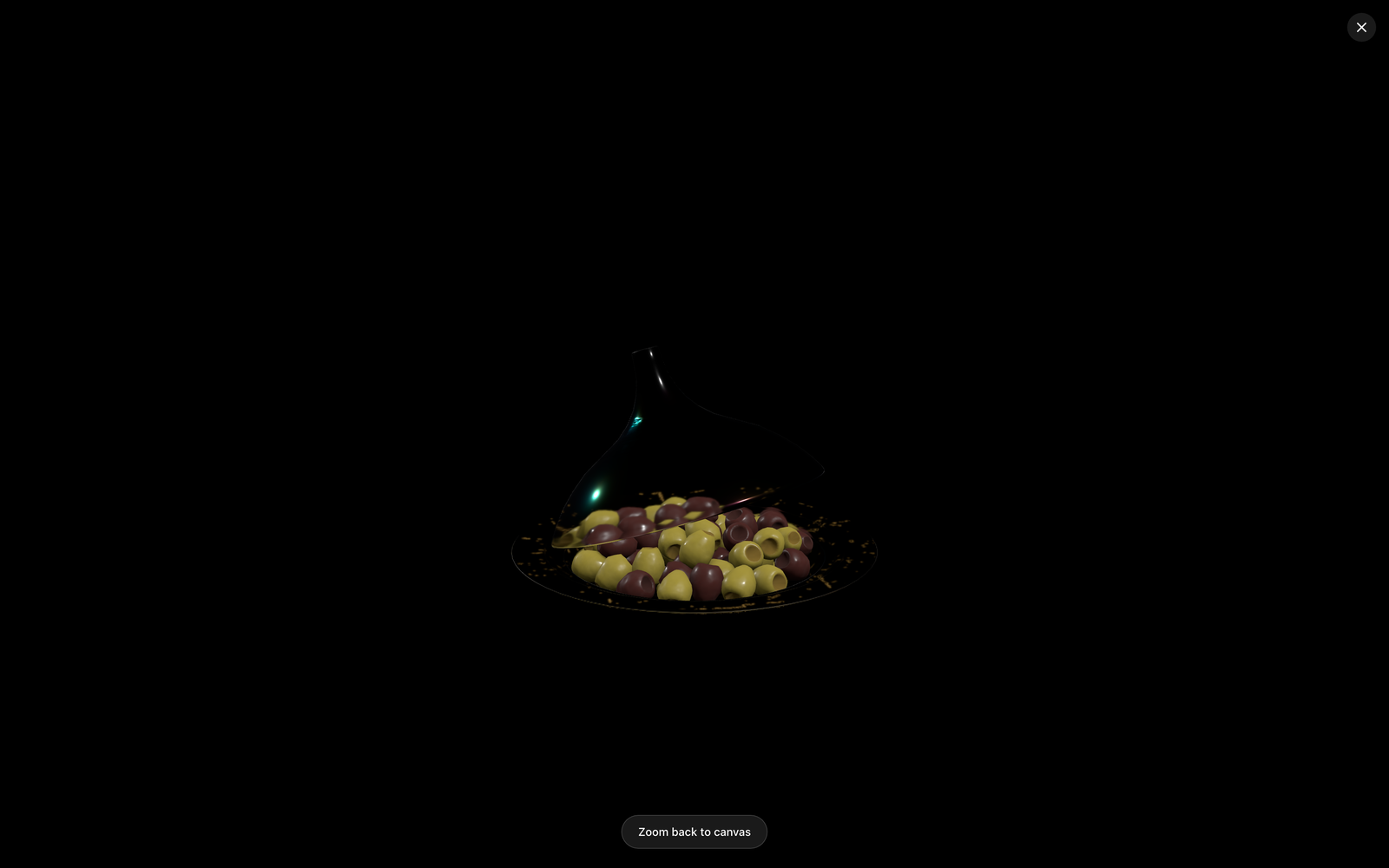
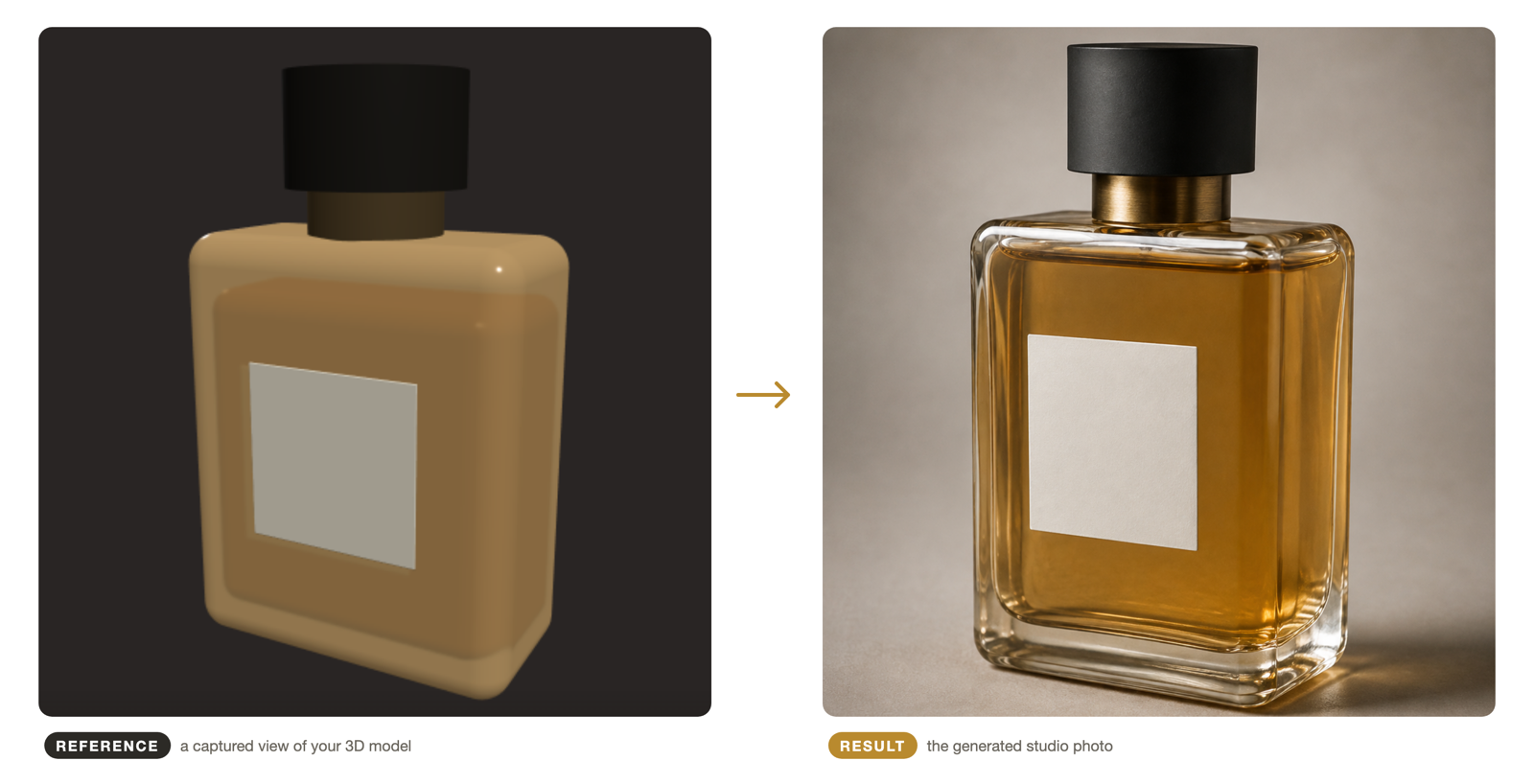
The alternative worth switching for isn’t another photo-in tool — it’s a different input class. Reference-driven generation from a 3D model works the way the flagship workflow describes: import the GLB/glTF, frame any angle in an interactive view, capture it, and generate against that capture. The generator receives an actual render of your geometry, so shape is anchored rather than redrawn — and “any angle” includes every angle the model contains, photographed or not.
Reflective and fine-featured products — jewelry, finished metals, detailed housings — are where the difference shows first; that’s also why we run a dedicated jewelry use case. And because the input is a design file rather than a physical object, the same route produces full listing imagery before manufacturing, which no photo-based tool can offer.
The full field of alternatives — both camps, ten tools, honest catches on each — is in 10 Best AI Product Photography Tools.
Who should actually switch
- You have CAD or design models of your products (furniture, jewelry, industrial goods) — the shape-accuracy and angle-freedom gains are immediate.
- You sell pre-manufacture (crowdfunding, pre-orders, made-to-order) — there is no photographed alternative to switch to.
- You generate at catalog scale — BYOK at provider rates usually beats credit tiers per image.
- Unreleased products can’t tour vendor clouds — a local-first client is a different risk class; the private-AI breakdown covers it.
And who should stay: if your products are photographed already, your volumes are casual, and you value one-tap speed — Photoroom is the right tool and this page will not talk you out of it. The strongest position is often both: photo tools for what’s photographed, the 3D route for what’s modeled or not yet real.
Frequently asked questions
The compressed version: Photoroom is the best of the photo-input camp and the case for switching is input, not quality; real alternatives change the input class (a 3D model), not the scene library; BYOK pricing wins at volume; and running both tools side by side is common sense, not betrayal. The expandable answers cover each.