

Free
Explore your first visual direction
$0/mo
- 100 credits per month
- All core canvas features
- Local-first data storage
- BYOK: bring your own API key

AI visual creation workspace
Import a model, choose your angle, and explore scenes and styles with AI. Let the agent help you generate, then organize references and compare results on one canvas.
Local project storage · Bring your own API keymacOS, Windows, and Linux are publicly available
For product designers and brand teams
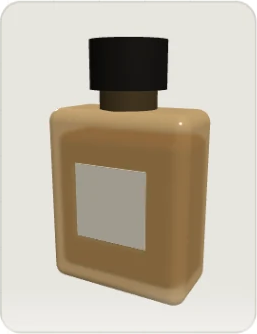
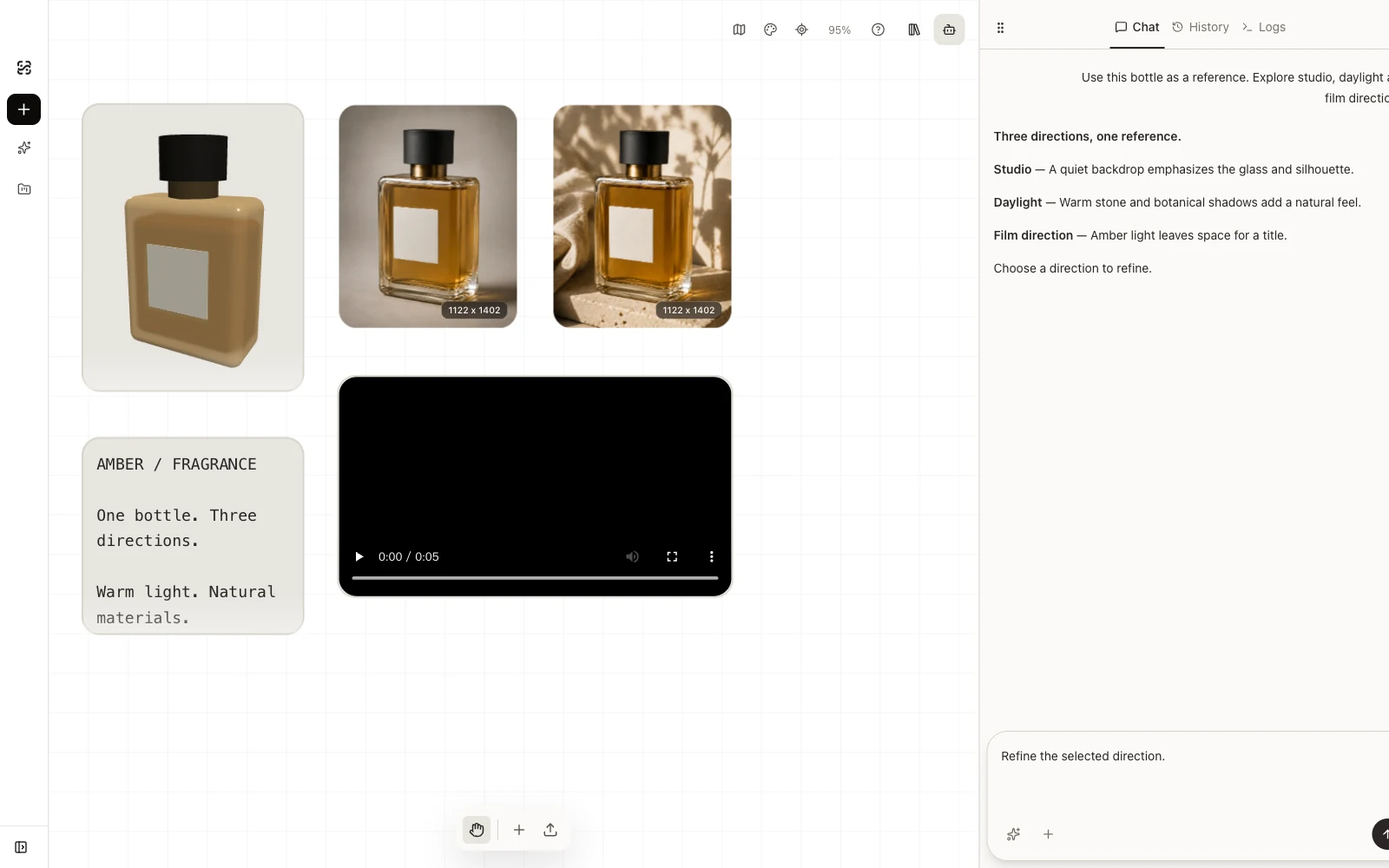
Bring an existing 3D asset into Shotshot. Choose a view, explore a visual direction, then keep the model, references, and results together as you refine the next version.
01Start with 3D
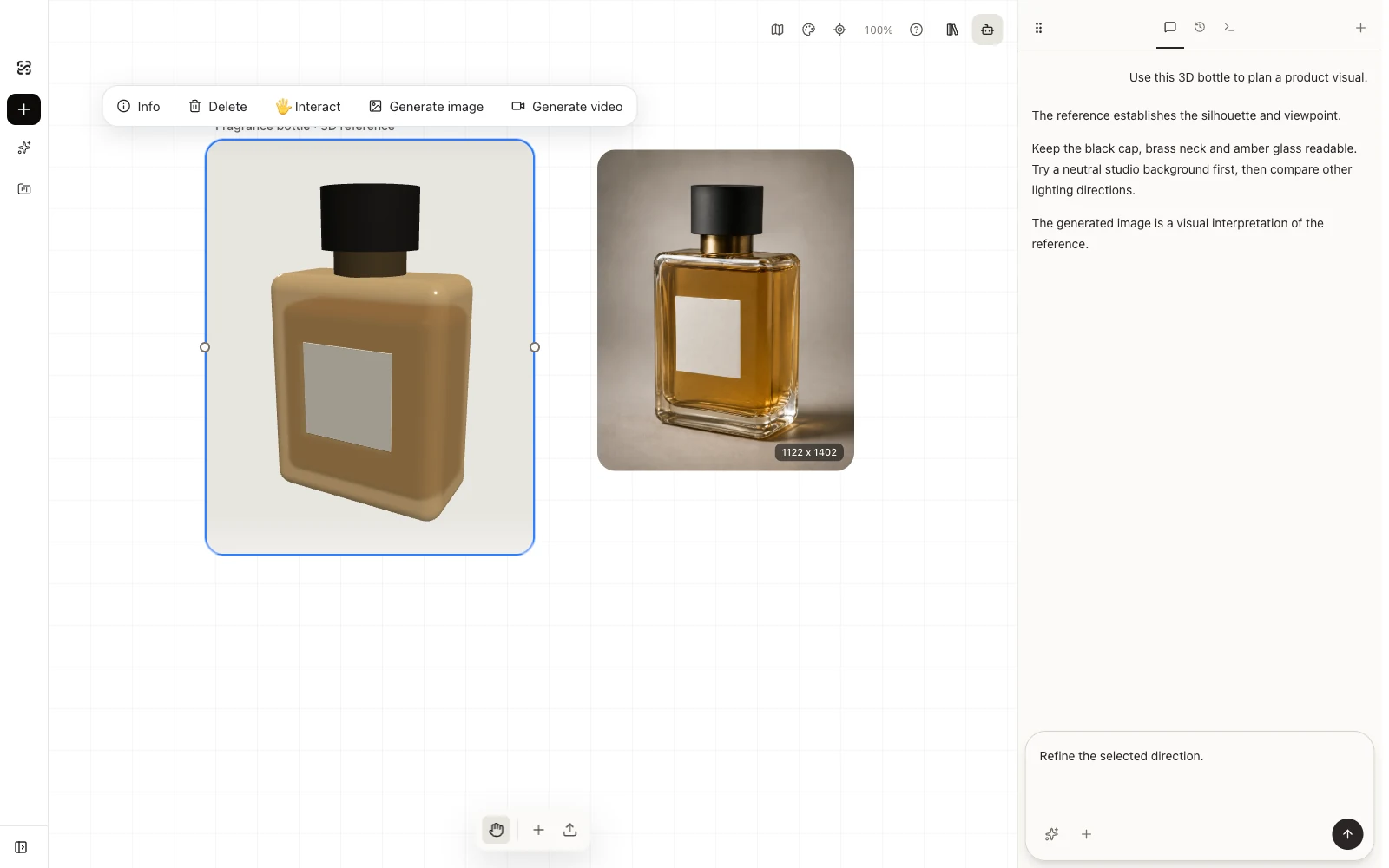
Import a GLB or glTF product model, rotate it, and frame the view you need. Use that view as a reference for AI image or video generation.
02Images and videos
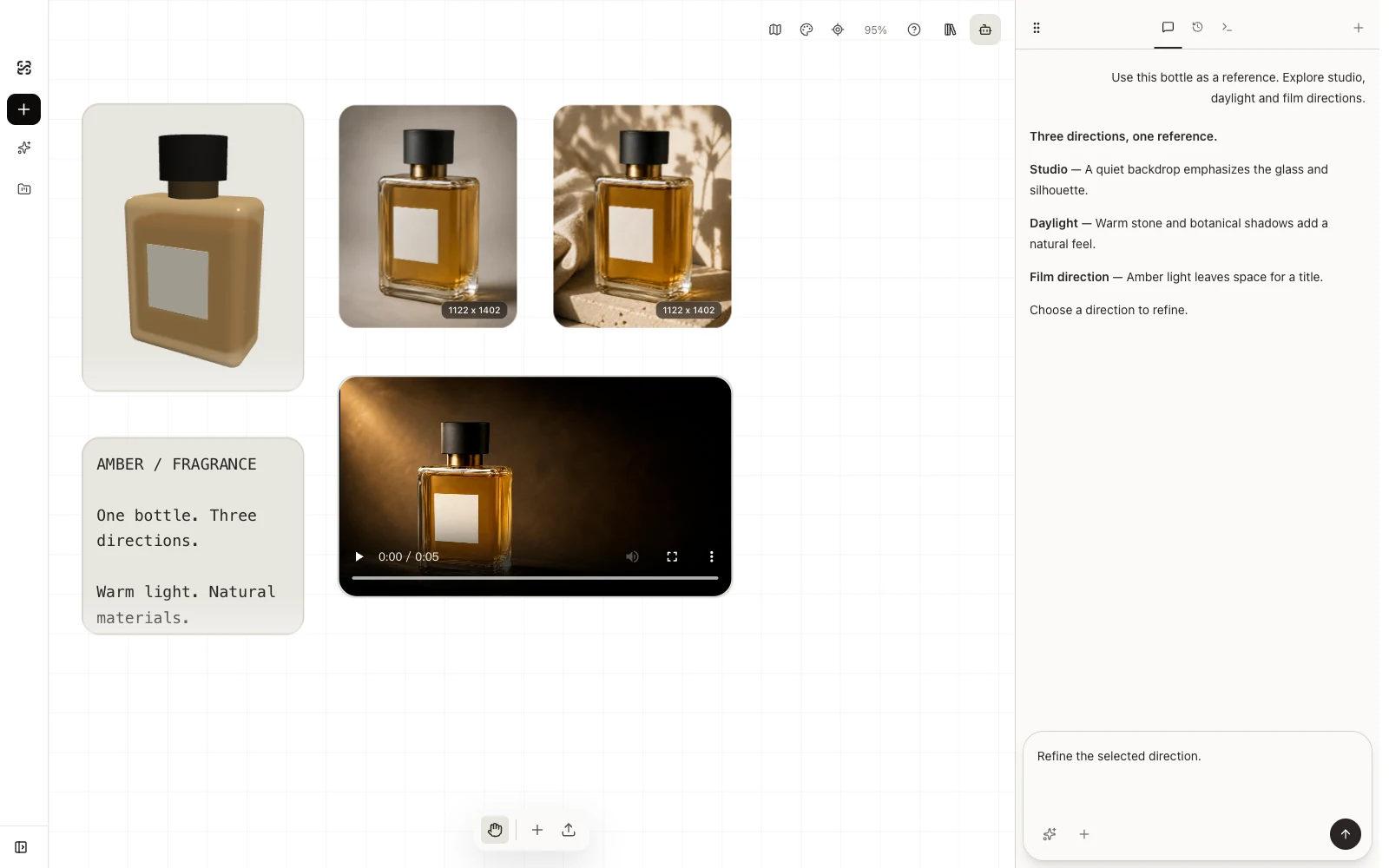
Explore studio lighting, campaign scenes, and product video ideas using your model views and reference images. Compare generated versions and choose what to develop next.
Who it is for
Start with a product model, an image reference, or a scene idea. Use Shotshot to develop visual directions, compare options, and prepare your next creative decision.
Choose views of an existing product model, explore lighting and settings, and compare product image and video directions.
What you take forwardProduct images · Presentation video concepts
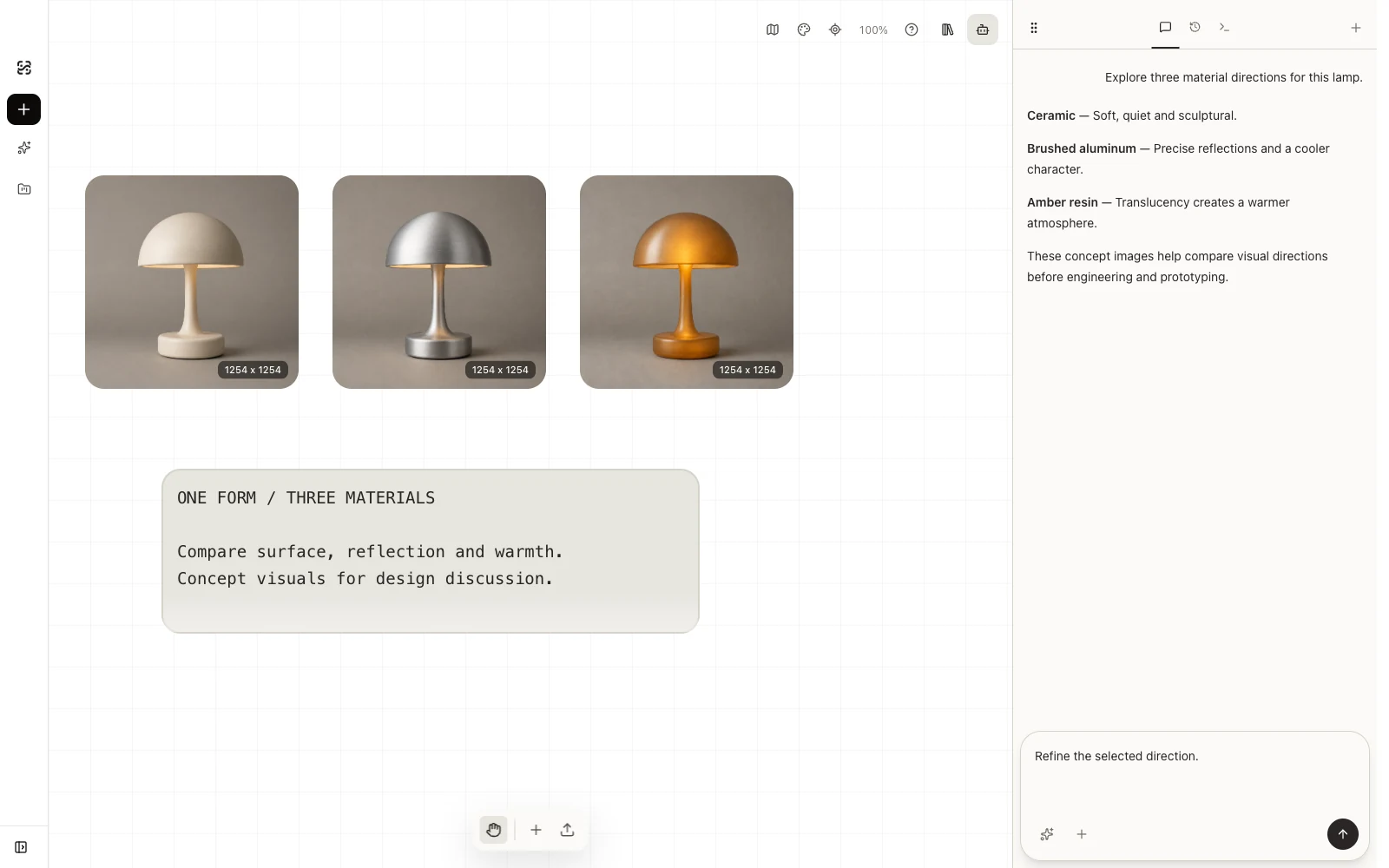
Explore silhouette, color, material, and finish from a sketch, model view, or image reference. Compare concepts before developing the design further.
What you take forwardAppearance studies · Material and color boards
Bring a product, campaign brief, and visual references together. Try art directions and key frames for a creative pitch.
What you take forwardCampaign key visuals · Shot concepts
Explore studio, lifestyle, and detail images for a product collection. Keep versions together while preparing a set for review.
What you take forwardListing image concepts · Lifestyle visuals
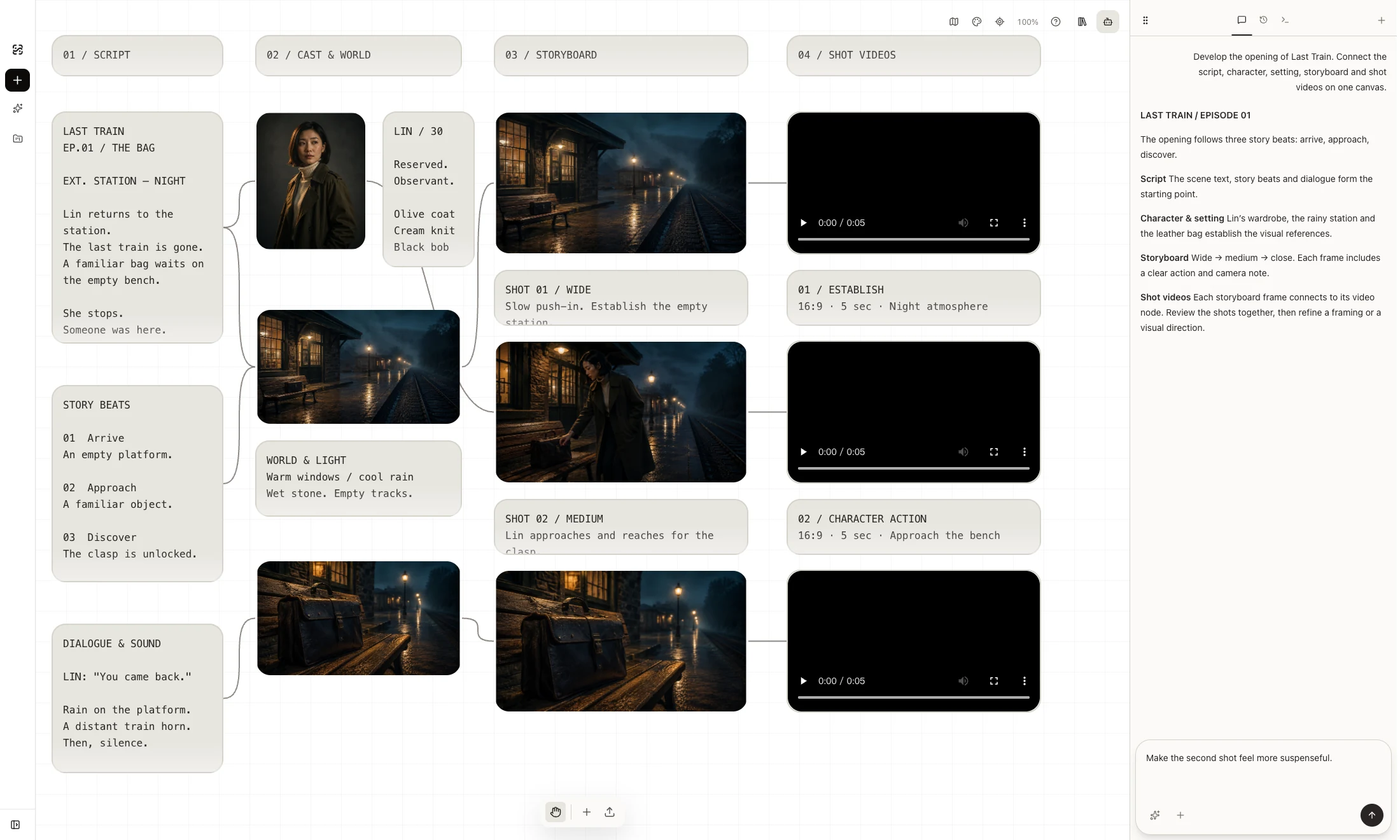
Write the script, develop characters and settings, build a storyboard, and generate videos for each shot with the Agent on one canvas.
What you take forwardEpisode scripts · Character boards · Shot videos
Connect screenplay development, character and production design, storyboarding and shot video generation. Refine the visual language as the story takes shape.
What you take forwardScreenplays · Production design · Storyboards · Shot videos
Develop films and short dramas in Shotshot. Work with the Agent on scripts, characters and settings, break the story into a storyboard, then generate video for each shot. References, versions and creative decisions stay together on one canvas.
03Agent
Tell the agent which model or reference to use and what to change. It can help adjust the 3D camera and start image or video generation, with tool activity visible alongside your canvas.
Local projects. Your choice of models.
Projects and assets are stored locally by default. When you generate with a cloud model, the required prompts and reference media are sent to the model service you configure.
Open source
MIT License
Explore the shotshot.ai source, follow development, and contribute through the public repository.
View source repositoryPlans
Start with a product idea and choose a plan for how often you create. Cloud model access and usage depend on your plan and configured services.
Explore your first visual direction
$0/mo
FAQ
Product designers, brand visual teams, and studios that want to use existing 3D assets to explore product images and presentation videos.
A GLB or glTF product model is the starting point for the 3D workflow. You can also organize images, videos, and text references on the canvas and create from image references.
You choose the camera angle and framing of the reference view. AI uses that reference to guide generation; product geometry, labels, materials, and video motion still need to be checked in each result.
The agent can work with canvas references, adjust the 3D camera, and start image or video generation. Skills provide reusable instructions for recurring tasks.
Projects and assets are stored locally by default. Cloud generation sends the required prompts and reference media to the configured model service. Bringing your own API key does not make cloud generation offline.
Your model provider API key is stored in your local browser or desktop environment. You choose which model services to configure.
ShotShot 0.1.0 for macOS (Apple Silicon, self-signed and not Apple-notarized), Windows, and Linux is available now.
The source repository is not public yet. A release under the MIT License is planned; contribution and self-hosting instructions will be provided with that release.