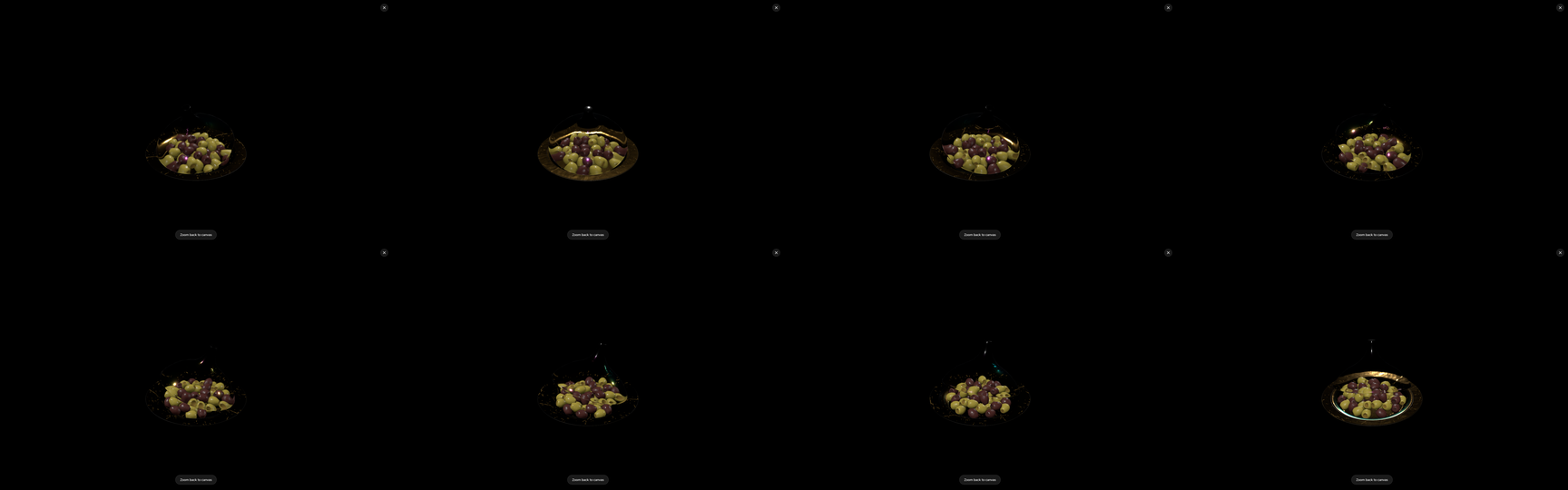
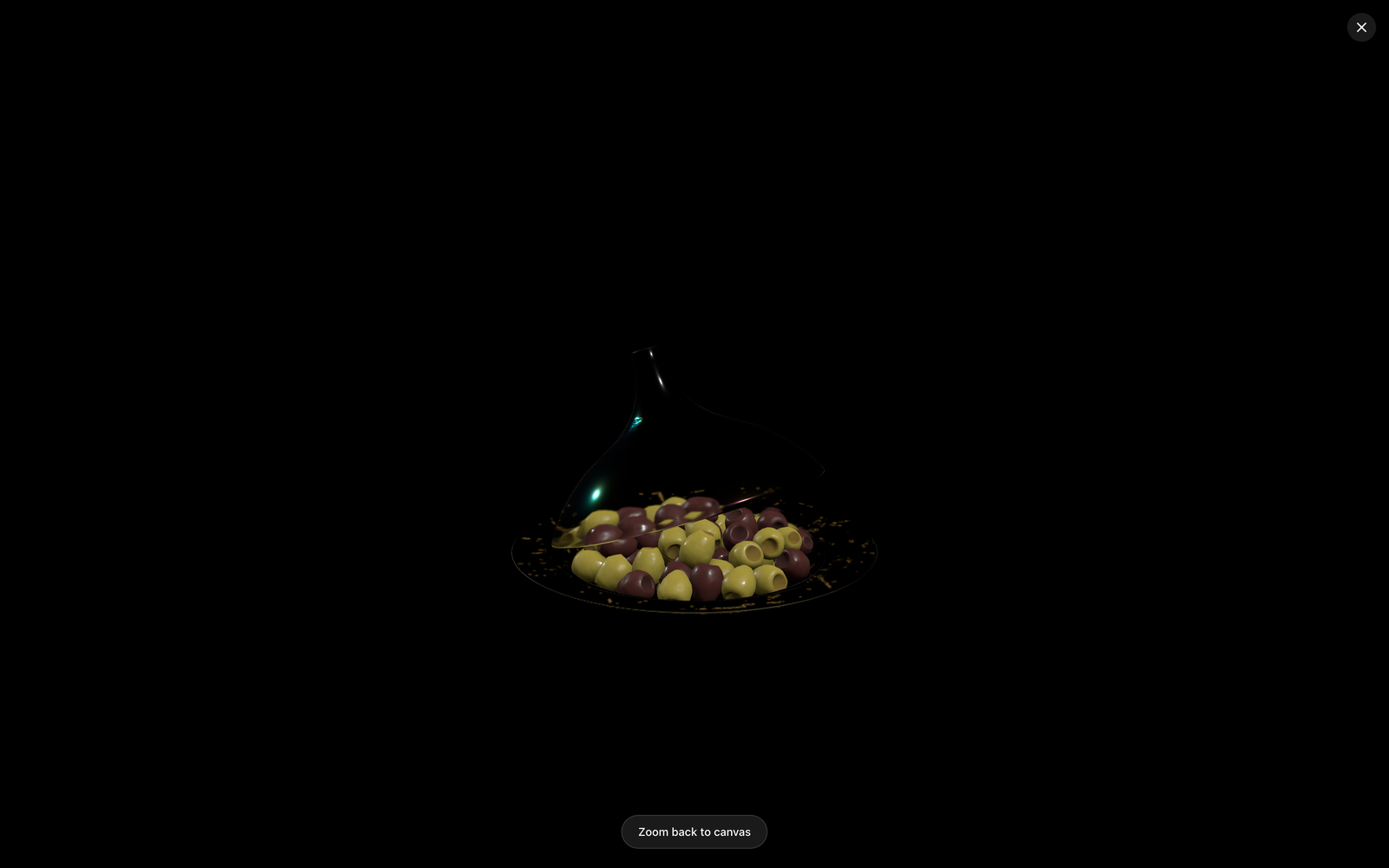
Yes — jewelry is exactly the category where feeding AI a 3D model instead of a photo changes the outcome, because the two things jewelry imagery must get right are the two things 2D AI tools get wrong. Shape: a ring’s profile, a pavé layout, a clasp — text- and photo-driven generators redraw these plausibly and wrongly. Reflection: polished metal shows the studio in its surface, and a model that invents the reflection invents smudges. With the piece’s CAD model as the reference input, geometry is anchored by actual captures of the real design, and lighting — the thing jewelry photographers agonize over — becomes a prompt decision you can iterate per collection.
Why jewelry is the hardest thing to photograph
Ask a product photographer which category they dread, and jewelry tops most lists, for physical reasons:
- Everything is a mirror. A polished band reflects the light source, the sweep card, and the photographer’s own silhouette. Classic jewelry setups — dark velvet, gradient sweeps, single softboxes — exist precisely to put something worth reflecting in front of all that metal.
- Macro depth of field is millimeters. At listing magnification, focus stacking and focus-rail work are routine; every angle of every SKU is a small optical project.
- The goods are precious. Samples move between vault, photographer, and retoucher; every shoot is logistics with insurance attached, and new SKUs queue behind studio availability.
And the category’s commercial reality multiplies all of it: high SKU counts, frequent variants (stone, metal, size), and marketplace requirements for consistent multi-angle coverage. The traditional pipeline handles this with specialist studios and patience; the AI shortcuts have, until the 3D route, mostly failed here for the reasons above.
Where 2D AI tools break on jewelry
The generic AI product-photo workflow — upload a photo, regenerate scenes — hits jewelry’s physics:
- Invented reflections. Redrawing the product means redrawing its reflections, and model-invented reflections on metal read as oily texture. The better the original photo, the more obvious the degradation.
- Facet drift. A generator has no concept of “fifty-seven brilliant-cut facets.” It paints plausible sparkle; count the stones in a pavé band and the render is wrong.
- Metal color shift. White gold, platinum, and silver are close in photos and far in reality; 2D regeneration drifts between them run to run — unacceptable when the metal is the SKU.
These aren’t prompt-fixable problems; they’re what happens when the source of truth is pixels of ambiguous physics. The fix is a source of truth with the physics baked in.
The 3D route for jewelry
Jewelry has an advantage most categories lack: the design is already digital. Pieces are modeled in Rhino, Matrix, or similar CAD long before the first casting — which means the workflow starts with an asset that exists:
- Export to GLB/glTF from the CAD tool, checking that fine features survived.
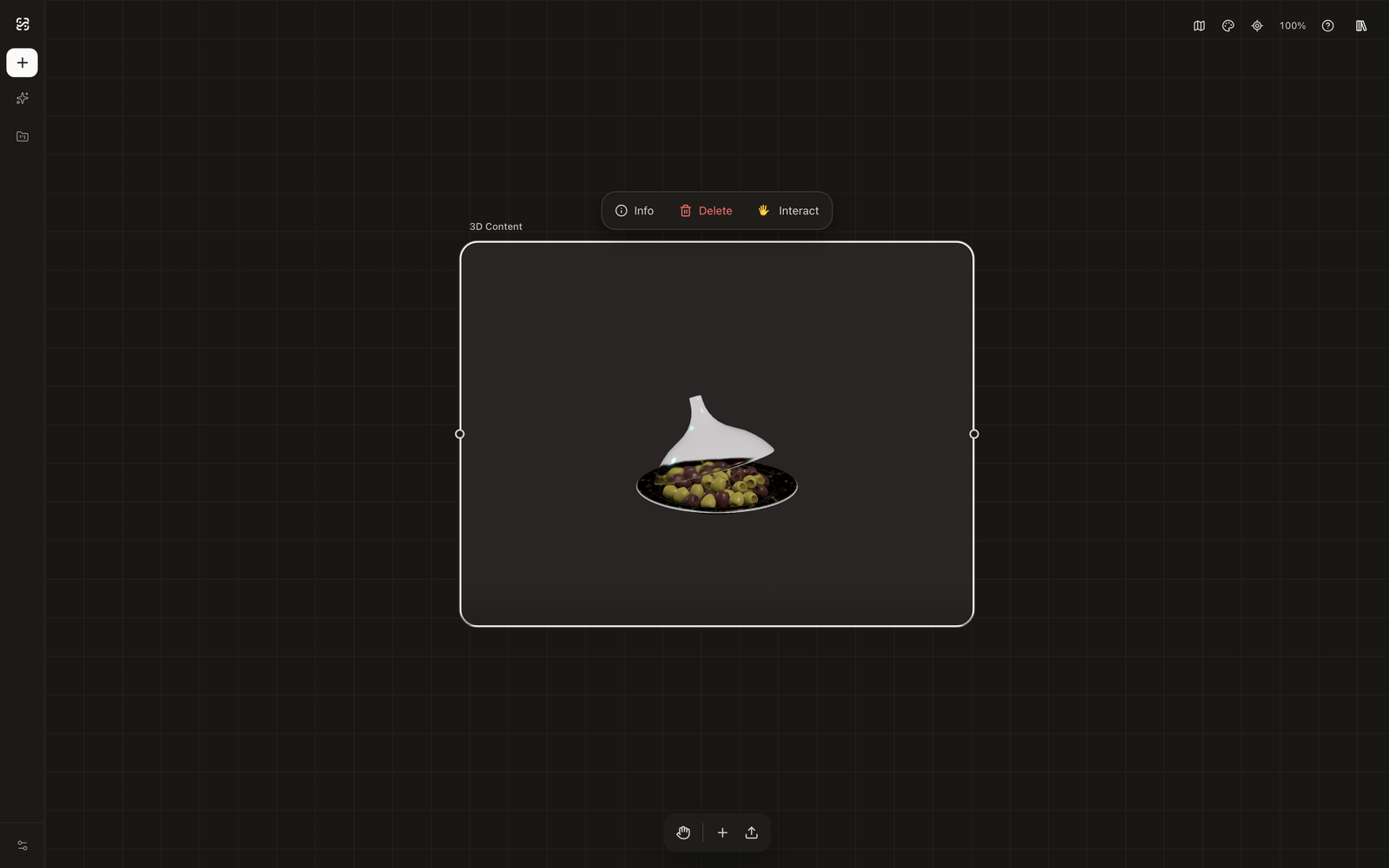
- Frame the selling angles in the interactive 3D view — hero three-quarter, top-down, profile, macro of the setting — with camera height and distance locked once per angle type. This is the same framing-lock method as the furniture use case, and it’s what makes a fifty-SKU catalog look shot in one session.
- Capture each view as the reference — the generator will receive an exact render of your design from that angle, so prong counts and profiles cannot drift.
- Direct the light in the prompt, in the photographer’s own vocabulary. This is the craft part, and the words are known: ‘dark velvet backdrop with long soft gradient reflections’, ‘single large softbox key upper left, subtle rim highlight’, ‘bright high-key white, crisp speculars’. One lighting skeleton per collection, reused verbatim — the consistent-angles method keeps every SKU reflecting the same imaginary studio.
- Compare candidates against the reference on the canvas and iterate: shape issue → re-capture; reflection issue → re-prompt.
The full workflow, from GLB import to iterated shots, is walked through in How to Turn a 3D Model into Product Photos.
What stays honest
Two limits to state plainly. Gemstone optics are approximated: generated fire and brilliance look right at listing scale but are not physically accurate dispersion — for certification imagery, keep macro photography. Metal finish carries, texture-level detail varies: the reference anchors form and broad finish; micro-scratches and hand-finish character vary between generations the way any generated texture does. The practical division most jewelry brands converge on: generated imagery carries the catalog — every SKU, every angle, every marketplace variant — while photography concentrates on flagship campaigns and gem documentation.
For pre-launch and made-to-order work there is a straight bonus: pieces that exist only as CAD designs get full imagery before the first casting, the same way product images before manufacturing work for any designed product.
Frequently asked questions
The compressed version: CAD files export cleanly to the workflow, reflective-metal failures of 2D AI are physics rather than prompting, lighting is controlled through photographic prompt language locked per collection, and macro gem documentation stays with photography while generated imagery carries catalog breadth. The expandable answers cover each.