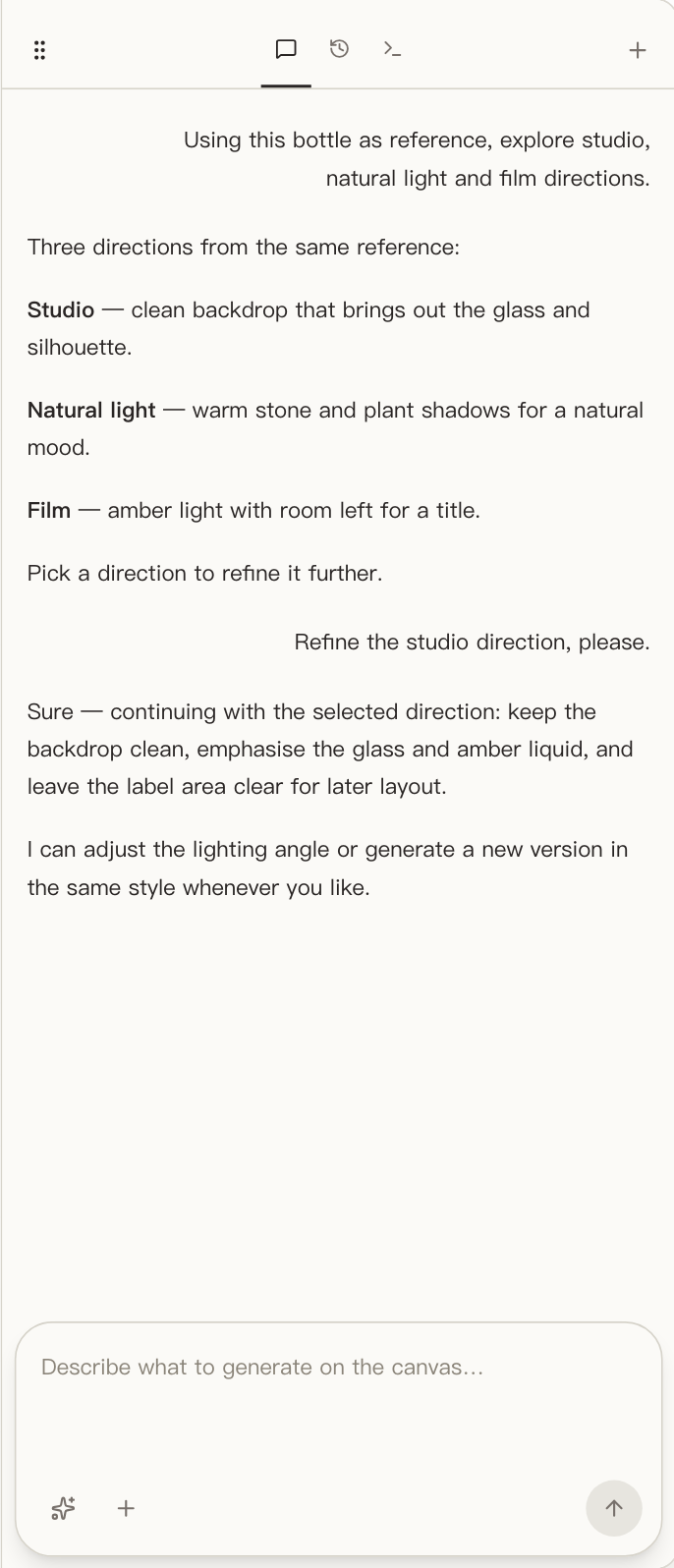
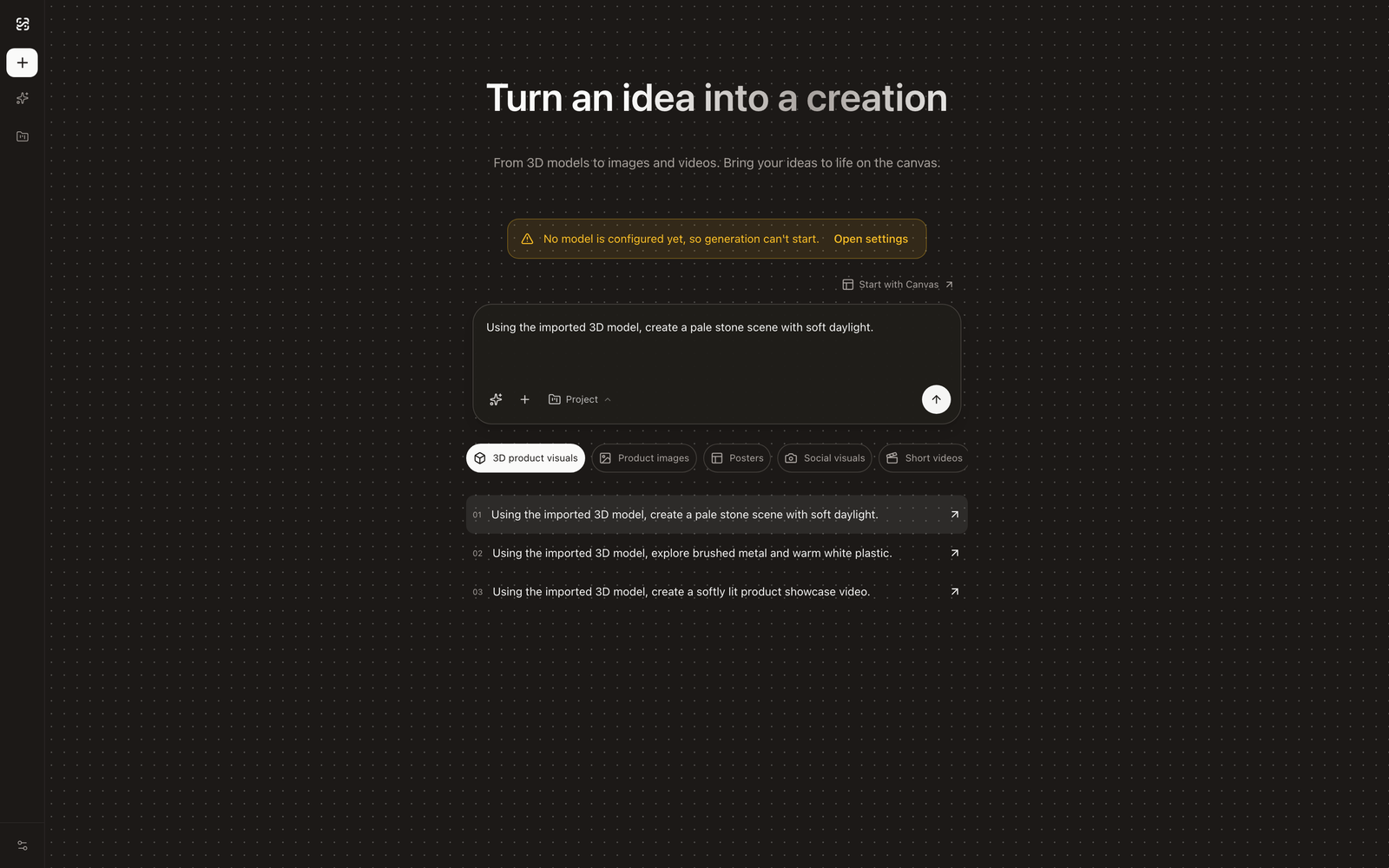
Yes — you can put AI to work on product imagery without shipping unreleased products through other people’s clouds. The combination that makes it real is architectural, not a promise: a local-first client that keeps projects and assets on your device, bring-your-own-key generation that talks directly to the model API you configure, and — since the client is open source under MIT — a request path you can read instead of a privacy policy you have to trust. This page lays out exactly what data goes where in this workflow, because “private” only means something when it is specific.
Why this is a real problem, not paranoia
The assets that precede a launch are the most sensitive images a company owns: unannounced products, unreleased colorways, packaging before the reveal, the entire pre-manufacturing imagery pipeline that crowdfunding and hardware teams depend on. For anyone under an NDA, an embargo, or a launch calendar, the question “where do these files live?” is a compliance question, not a preference.
Most AI product-photo tools answer it badly by construction. The standard architecture is upload-centric: your photos go to the vendor’s cloud to be processed, results live in their storage, and your prompts and assets sit in an account on infrastructure you neither control nor audit. Every such tool asks its users to accept the same trade silently — and teams that can’t accept it have simply stayed off AI product imagery altogether.
The workflow below exists so that staying off isn’t the only option.
The three questions that actually matter
Strip away the policy language and every AI imaging tool answers three questions. Here are the answers for this workflow, stated precisely.
Where do my files live?
On your device. Projects, imported 3D models, captured reference views, and generated results are stored locally by default — the client is a desktop application, and its save format lives on your disk. Opening a year-old project means opening a local file, not logging in to see what a vendor still has.
What gets sent, where, when I generate?
The prompt and the reference material for that generation, to the model service you configured, and nothing else. That sentence is the entire data boundary. When you generate with a cloud model — say, an image API you added in settings — the request contains your prompt and the reference captures it needs, and it travels from the client directly to that provider’s endpoint. There is no intermediary server of ours in the path, because there is no “ours” in the path: your API key is stored on your device and the client connects to the endpoint you chose.
Why should I believe that?
Because it’s checkable. The client is open source under MIT: the request path, the key storage, the local persistence — all of it is in the repository. “Your keys never touch our servers” is a sentence any vendor can write; an auditable codebase is a sentence you can verify. That is the honest version of a privacy promise, and it is why the client being open matters more than any marketing this site can produce.
The data-flow table
Every operation in the workflow, and exactly what moves:
| Operation | What’s involved | Network |
|---|---|---|
| Importing a GLB/glTF model | The file is parsed locally into your project | None |
| Framing views, capturing references | Renders of your model, saved to the project | None |
| Storing projects, assets, results | Local files on your device | None |
| Agent direction-finding on the canvas | A locally running agent over your current canvas | None by itself |
| Generating with a cloud model you configured | Prompt + reference views → the model service you chose | Direct to that endpoint |
| Generating with a self-hosted model | Prompt + reference views → your own inference endpoint | Your infrastructure only |
| Account features, hosted gateway (optional, paid) | Only if you explicitly use them; BYOK users never touch them | Opt-in |
The one row with external traffic is the one you configure — and you can point it at infrastructure you own.
The fully-offline option
If “any external endpoint” is too much for a project, the same settings panel is the exit: the client accepts any OpenAI-compatible channel, which includes self-hosted inference. Point it at a model server on your own hardware or network and the entire pipeline — model, references, prompts, results — stays inside walls you control. The honest trade: local inference today means smaller models than the frontier clouds offer, so save it for the projects where that trade is correct.
How this compares to the SaaS default
| Upload-centric SaaS | Local-first + BYOK (this workflow) | |
|---|---|---|
| Your source assets | Uploaded to vendor cloud | Stay on your device |
| Generation requests | Routed through vendor infrastructure | Direct to the provider you configure |
| Your API keys | The vendor’s (credit pool) | Yours, stored locally |
| Results | Vendor account storage | Local files |
| Trust basis | Privacy policy | Auditable MIT source |
| Cost model | Credit markup, expiry | Your API usage, no markup — see BYOK explained |
None of this makes SaaS tools villainous — for published products and public catalogs their convenience is a fair trade. The point is that teams handling unreleased products finally have a choice that doesn’t begin with “upload everything.”
Frequently asked questions
The compressed version: files stay local, generation sends the prompt and references to the model service you configured and nothing beyond that, keys never leave your device, full offline is possible via self-hosted endpoints, and the whole architecture is verifiable in open source. The expandable answers cover each.