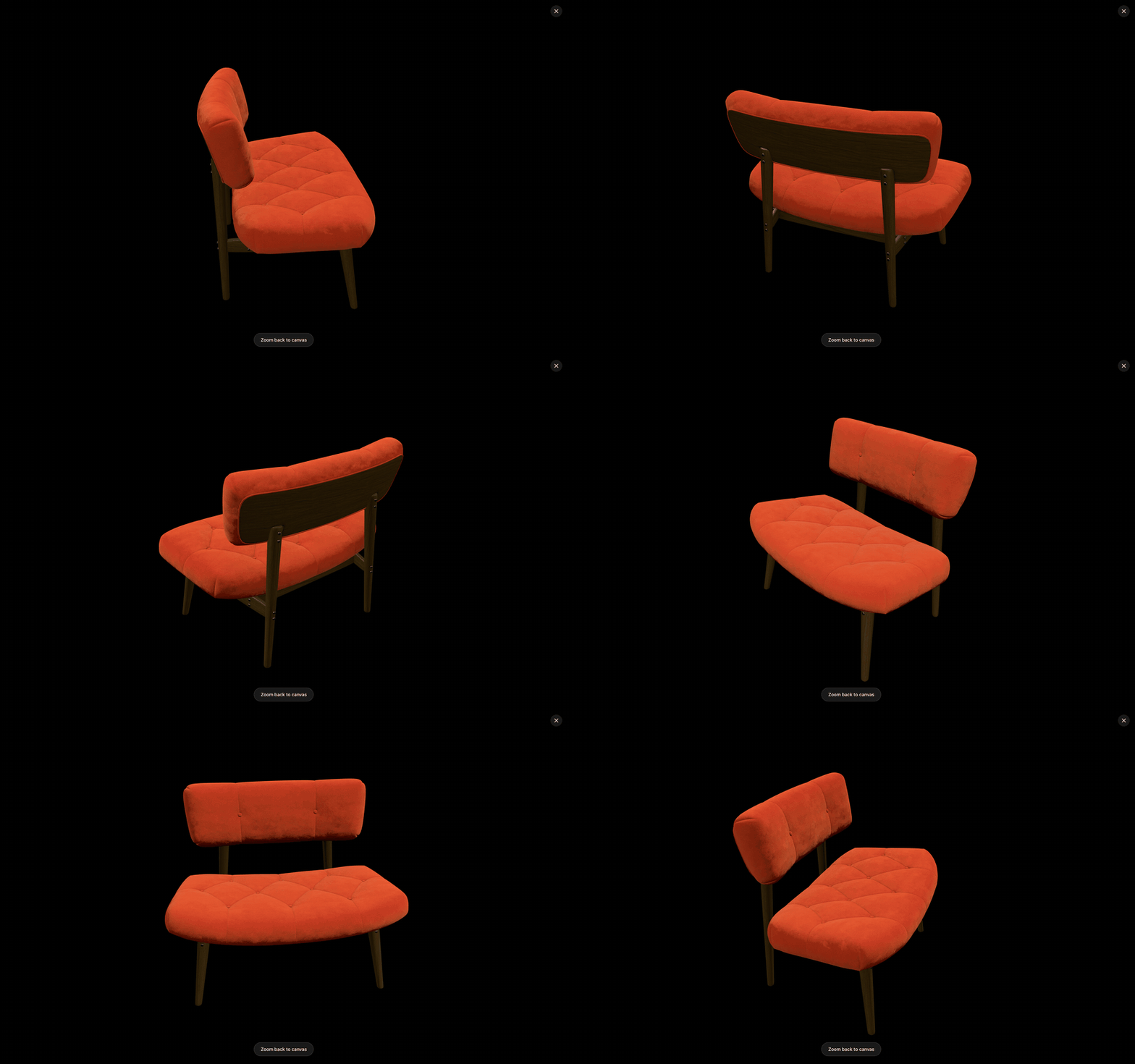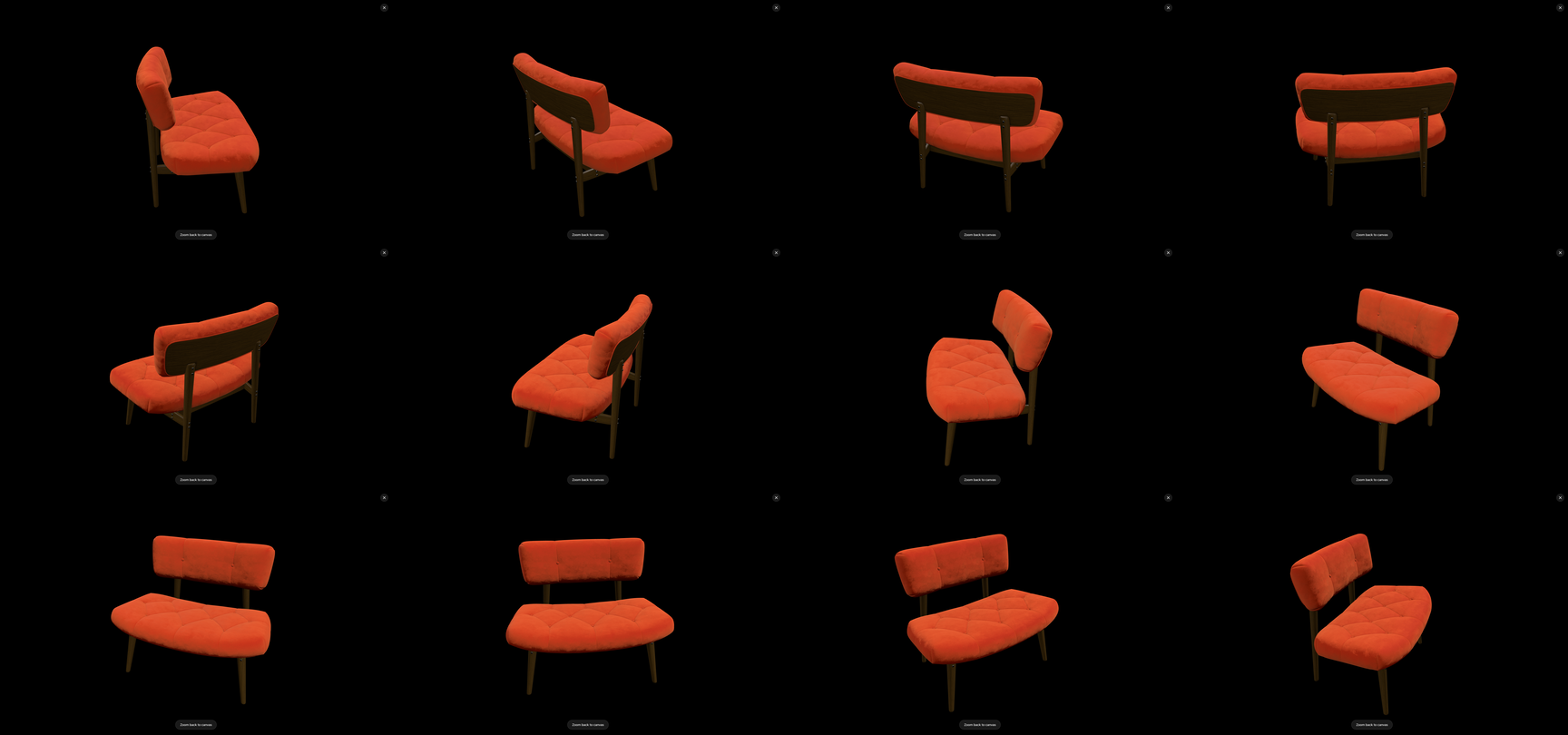
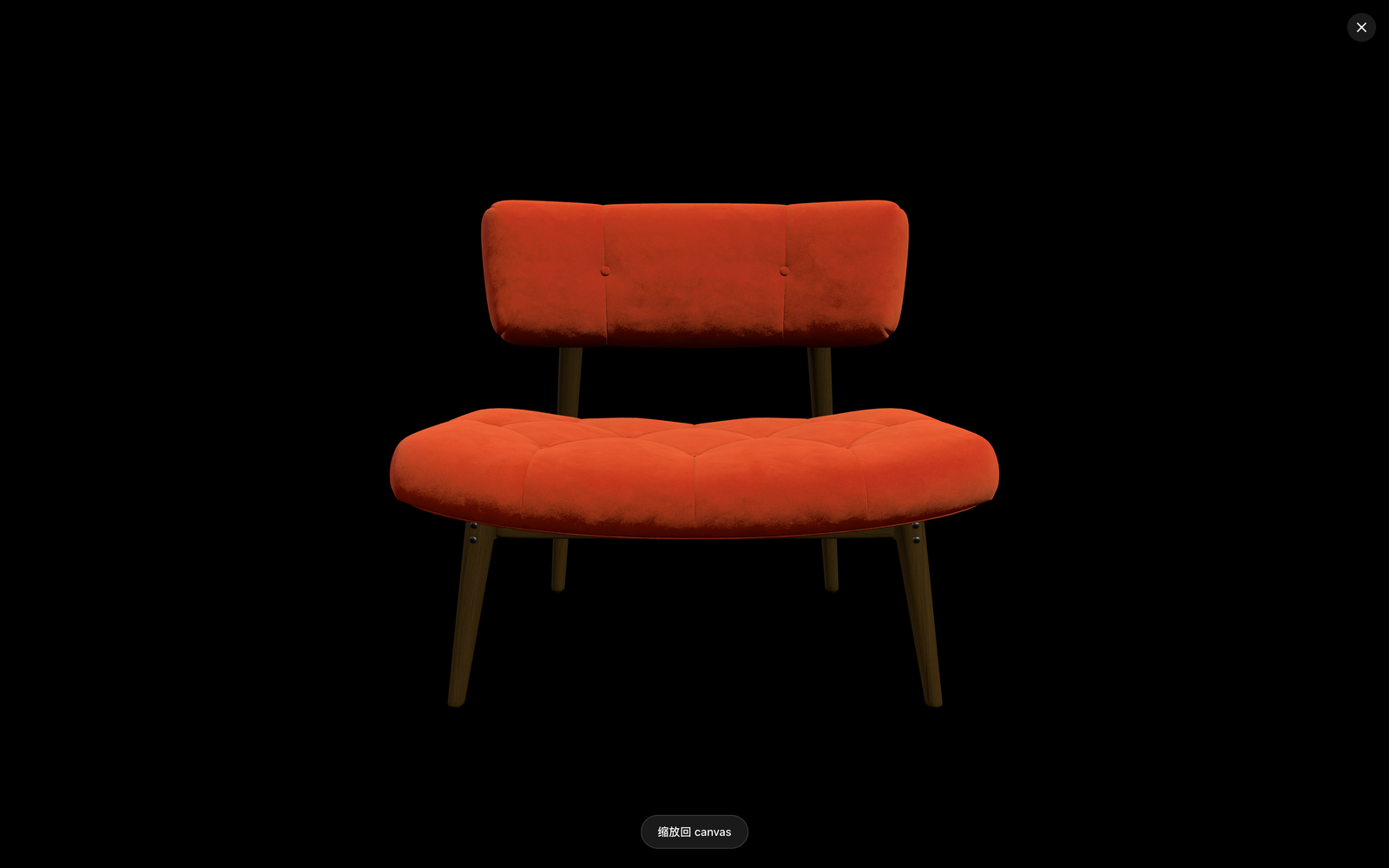
Yes — furniture is the one ecommerce category where “we already have the 3D model” is the norm rather than the exception, and that changes the photography math completely. Design files, CAD assemblies, and render-ready models exist for most furniture SKUs before the first prototype is cut. This page walks the workflow that turns those files into a complete listing kit — white-background images, lifestyle scenes, colorway variants, and 360 spins — with framing decided in the 3D view and photographic surfaces generated through the image-model API you configure. No studio, no sample logistics, and no photography scheduled around prototyping.
Why furniture starts ahead
Every other category pays a “model tax” first: jewelry and electronics often need scanning or modeling before the 3D route opens. Furniture doesn’t:
- The files exist. Design-for-manufacture means a 3D definition of the piece already exists at the factory and usually at the brand — in SolidWorks, Rhino, SketchUp, or Blender.
- Photography is uniquely painful. Furniture is big, heavy, and expensive to ship to studios; a single sofa shoot needs a large-stage studio, and every colorway multiplies the logistics.
- The industry is already moving this way. Furniture retailers increasingly render product imagery (the specialist tools in our AI product photography tools comparison include furniture-specific entries at enterprise prices) — the open question is only who can afford the pipeline.
The reference-driven route in How to Turn a 3D Model into Product Photos is that pipeline at freelance prices: import the GLB, frame and capture views, generate against them.
The listing kit, piece by piece
White-background images: consistency is the product
Marketplace and catalog pages want clean white-background images at consistent angles across the whole catalog — the thing furniture photography struggles with most, because each shoot drifts. In the 3D workflow, consistency is structural:
- Lock the camera once. Fix height and distance for a given shot type (hero three-quarter, straight front, side profile) and reuse it for every SKU — the same framing decisions apply to every model that shares the camera setting.
- Frame with margin. Furniture frames should breathe: generous negative space keeps the generator from inventing content at the borders, and you can crop per channel later.
- One skeleton for all white shots. “Pure white seamless background, soft shadow beneath, even diffused studio light” — identical words for every generation; only the captured reference changes. The catalog reads as one coherent shoot.
Lifestyle scenes: the prompt carries the room
Lifestyle imagery sells furniture — the piece in a room, styled, lit like a home. Here the image model does what it is genuinely best at, while the model capture keeps the product faithful:
- Keep the product half of the work in the reference: capture the piece at the angle the scene needs (a reading chair angled toward a window, a table shot low across its surface).
- Put the room half in the prompt: “sunlit living room with white oak floors, linen curtains, soft morning light from the left, styled with a ceramic vase and stacked books.”
- Lock one room skeleton per collection — living, bedroom, dining, patio — and reuse it verbatim so a fifty-SKU catalog looks shot in the same house.
Colorways and materials: variants without reshoots
The unglamorous killer feature for furniture specifically. A colorway expansion with photography means shipping the new fabric swatches and reshooting; from a model it means updating the material in your 3D source (or capturing the same geometry with the new material applied), recapturing the same angles, and regenerating against the identical scene skeletons. Launching six colorways is an afternoon of generations, not six studio bookings — and product images before manufacturing work the same way when the colorway exists only in the design system.
360 spins: the angle set already exists
Furniture benefits unusually from 360 imagery — customers want to see joinery, legs, and back panels before buying. The full method is in 360° Product Turntable Video from a 3D Model; the short version for furniture: lock the framing, capture a ring of evenly spaced views (30° steps for a smooth spin), generate each frame from the same skeleton, assemble. The capture grid on this page is exactly that angle set.
What stays honest about this route
Two limits worth stating plainly. First, fine texture fidelity varies between generations — bouclé knots, wood grain, and fabric weave come out photographically plausible rather than pixel-exact to your specific fabric; compare candidates and keep the closest. Second, the campaign hero shot may still belong to a photographer: mood-driven flagship campaigns with real props and real light are a craft, and when the brand can afford them they show. The 3D route is not a war on photography — it is how a catalog with 200 SKUs gets complete coverage while photography budget concentrates on the pieces that deserve it.
Frequently asked questions
The compressed version: furniture’s existing 3D assets make it the cheapest category to move to model-driven imagery; consistency comes from locked cameras and shared prompt skeletons; colorways and spins are regenerations rather than reshoots; and fine texture is the honest limit to watch. The expandable answers cover each.